Search filters
Nov 20, 2025
1 min read
Updated: Nov 24, 2025
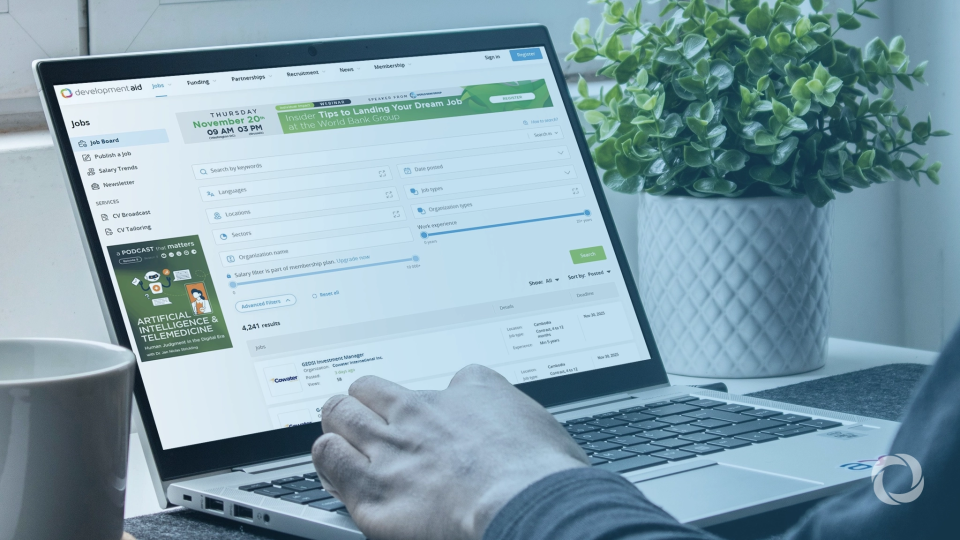
Filters are an essential tool that can be used to accurately narrow down your search results. All menus on DevelopmentAid platform allow you to make use of Advanced filters as shown below:
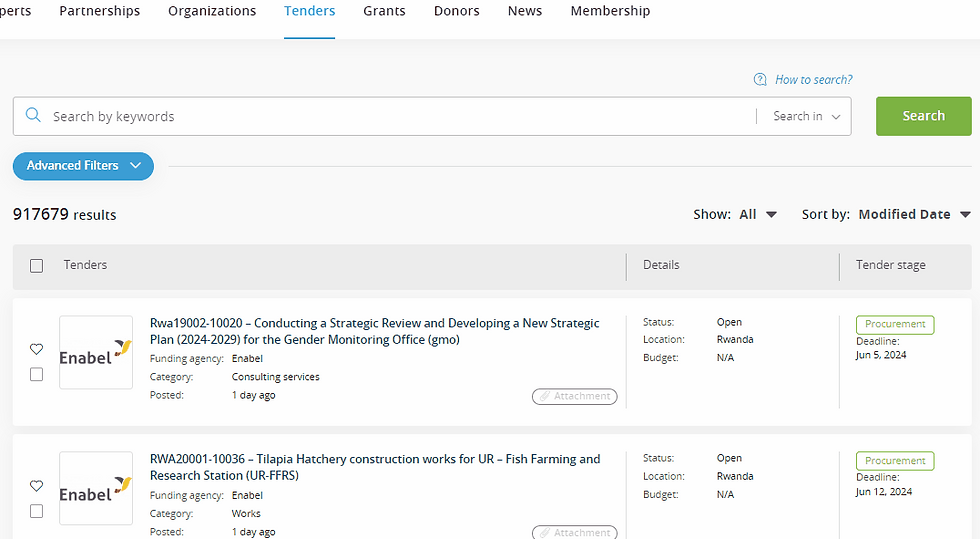
Note: Filters will help you find the content not only in English but in other languages as well.
It is possible to have multiple selections for each filter. The default behavior is searching for at least one of the selected criteria:

You can select criteria such as Locations and Sectors in three ways:
The drop-down list (useful for filters that contain a maximum of 10 selections):

2. You can type and select matches:
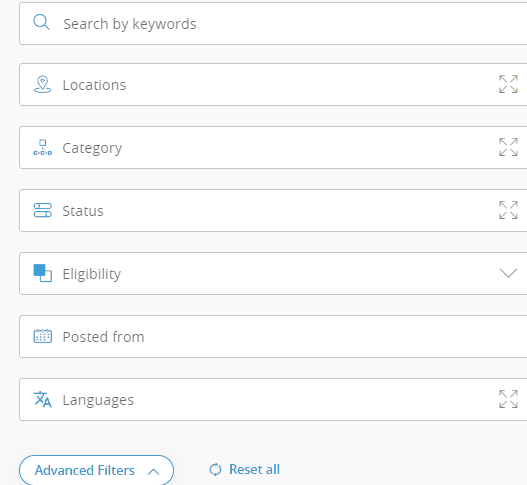
3. Use the expand pop-up (contains extra features such as "Select All" and "Custom regions"):


Comments