How to search on DevelopmentAid?
Updated: Nov 24, 2025

Finding the right funding opportunities or screening for the perfect candidate can be achieved by making searches on DevelopmentAid.

Tip 1: Filters
We recommend using filters when starting any search. You can choose relevant criteria such as sectors, locations, and funding agencies when searching for tenders, grants, and references; or languages, degree, and years of experience when scanning for candidates.
Note: When searching for tenders on DevelopmentAid, two essential filters are described on the following pages:
Filters can be accessed using the Advanced Filters icon on any search page.

Tip 2: Keywords
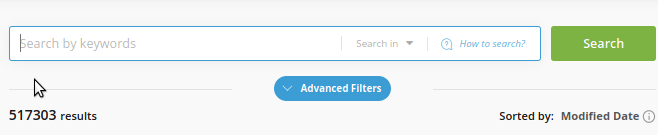
The search bar can help increase the precision of your search. Choose where to search (Titles, descriptions, documents) and use the Boolean search, it allows searching using words such as and, or, or quote a combination of keywords to search for an exact match:
Tip 3: ANY/ALL toggle
Narrow down your search by requiring each filter selection in every result. More information about Any/All switches.
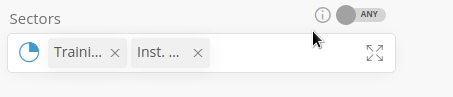
All - results that include all the selected items
Any - at least one selected item


Comments